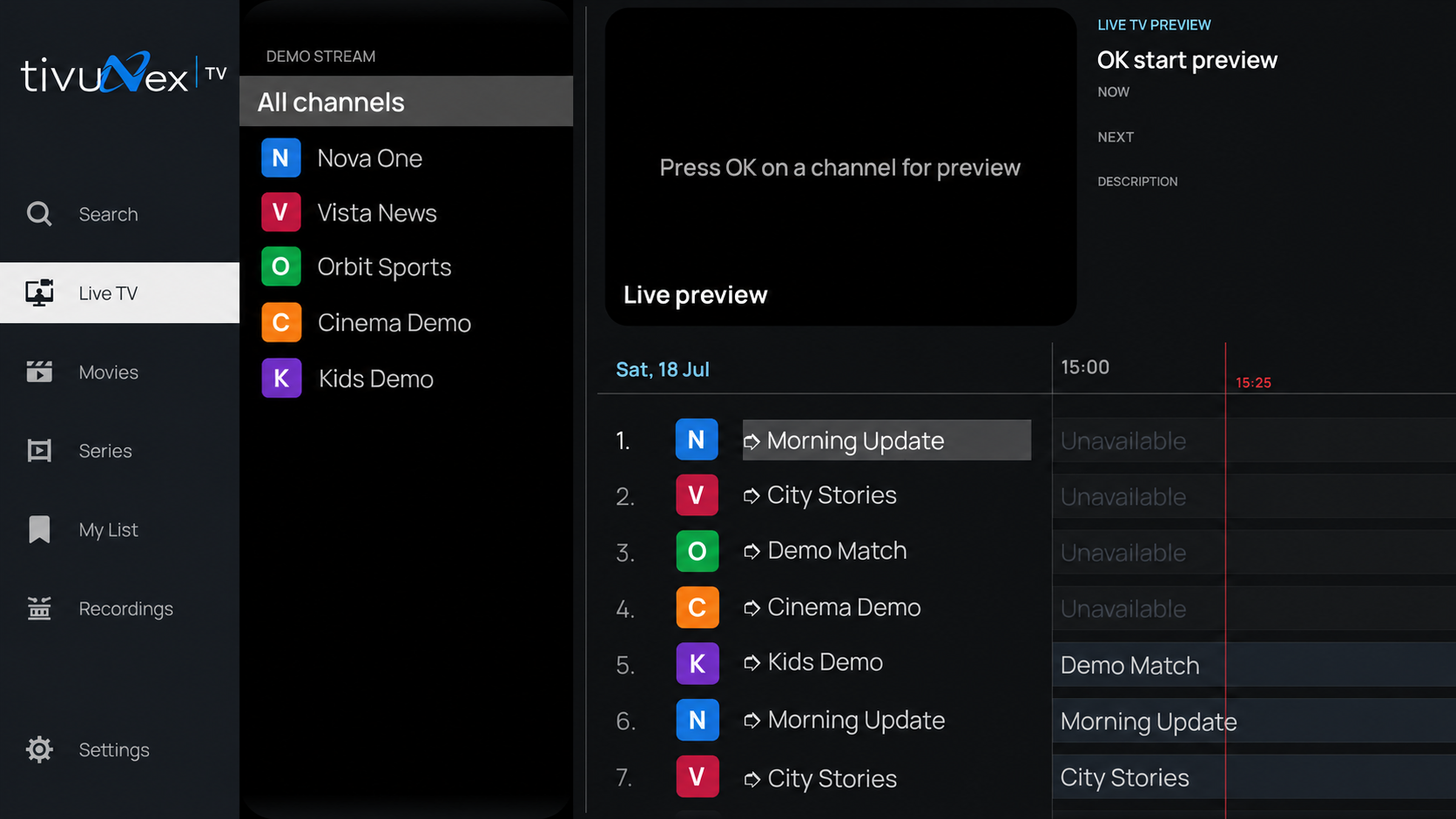
Built for the big screen
Your playlists.
Your screen.
tivuNex TV brings Live TV, movies, series and EPG into one fast, cinematic interface made for the remote control — with your own compatible playlist.
IMPORTANT!
tivuNex TV is a player and does not provide channels, films, series, IPTV subscriptions or copyrighted content.
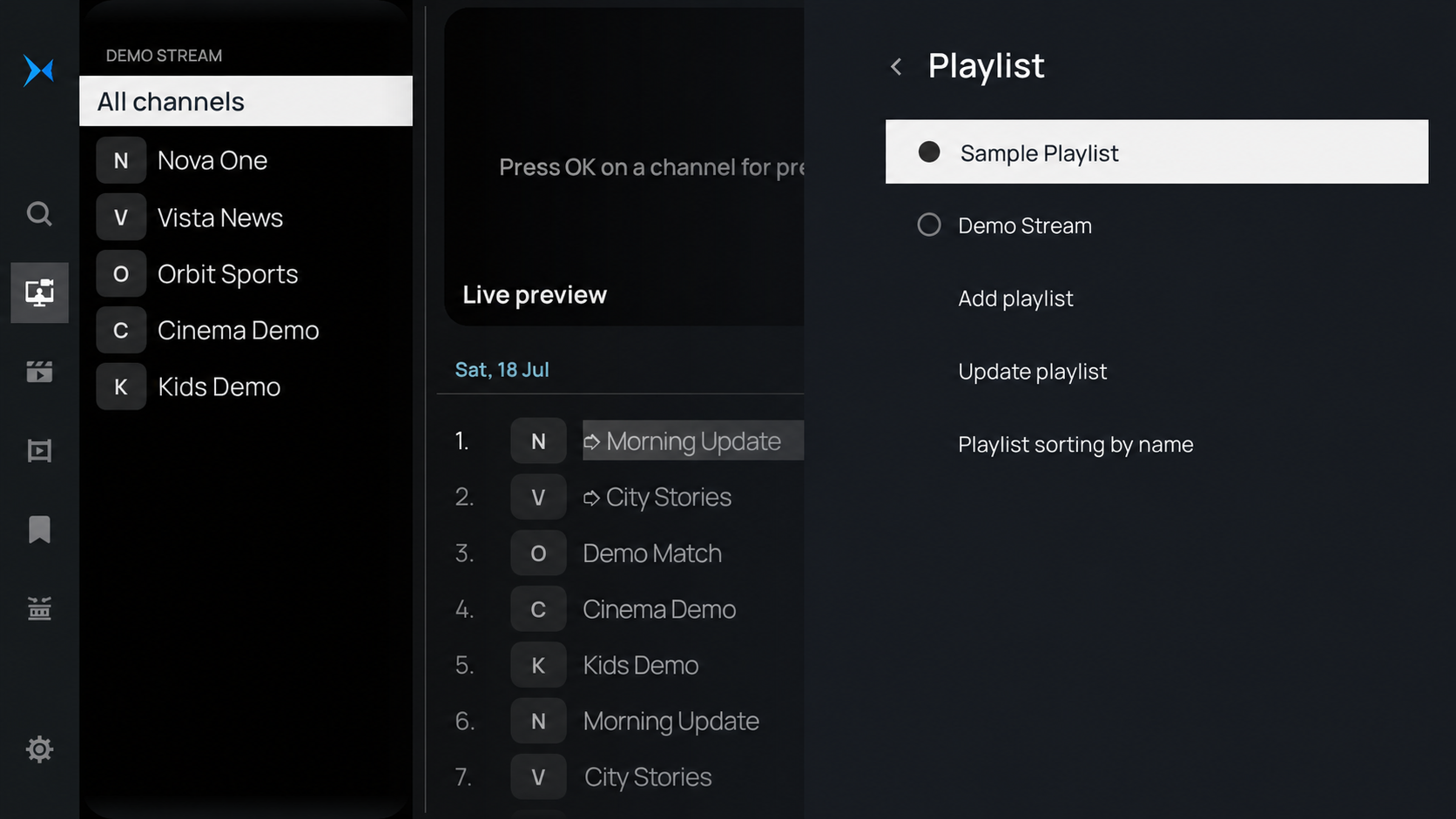
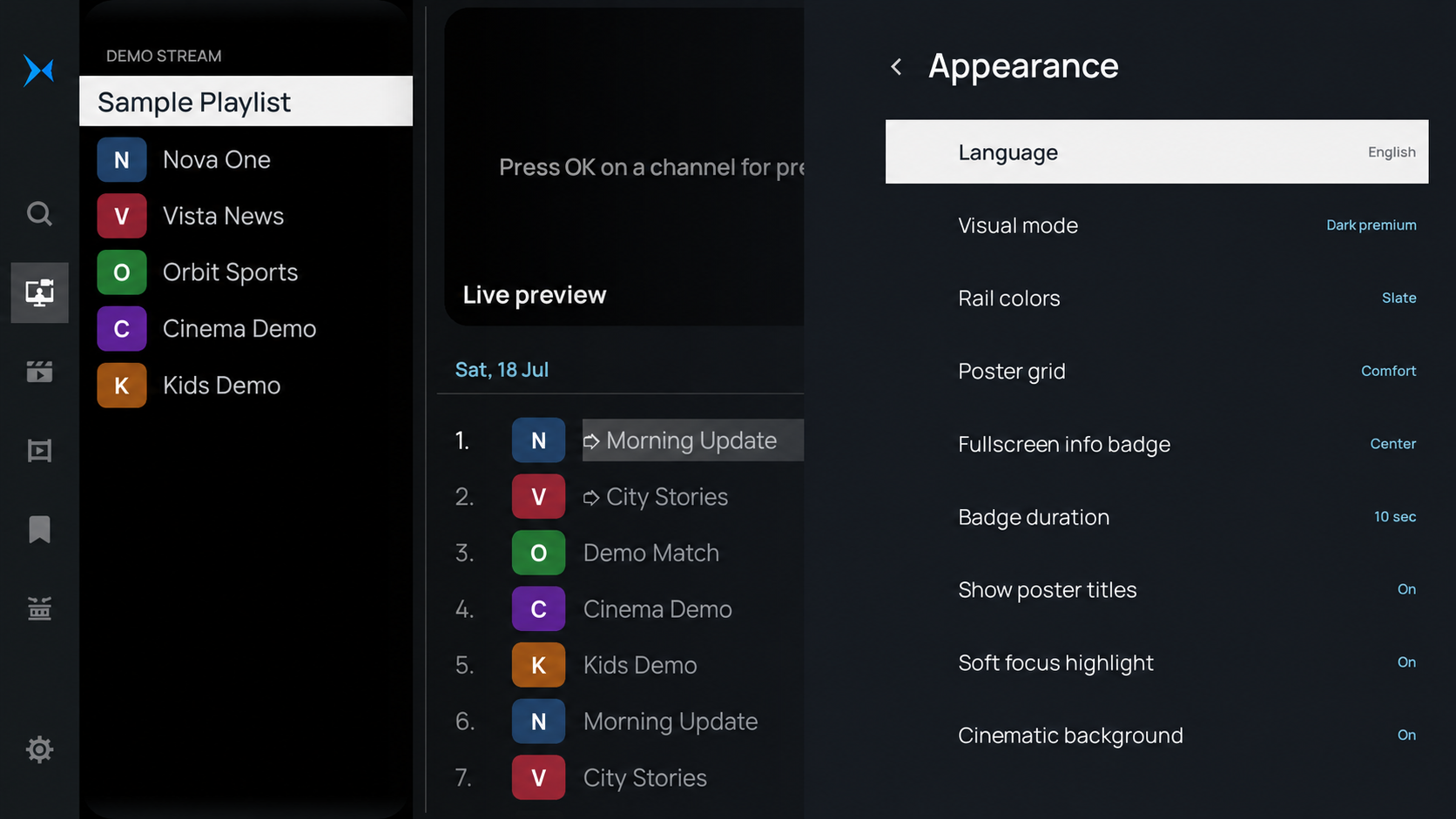
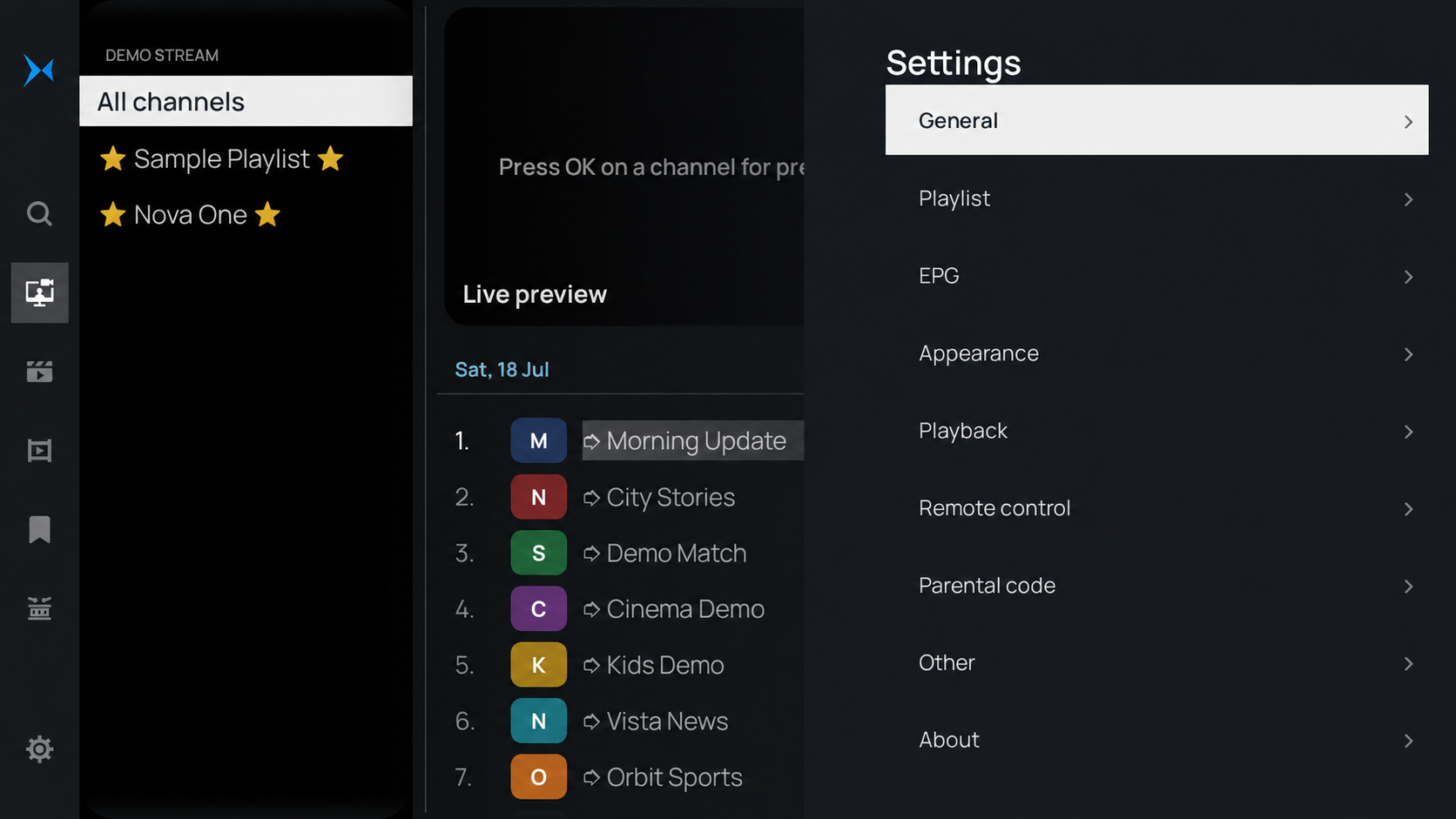
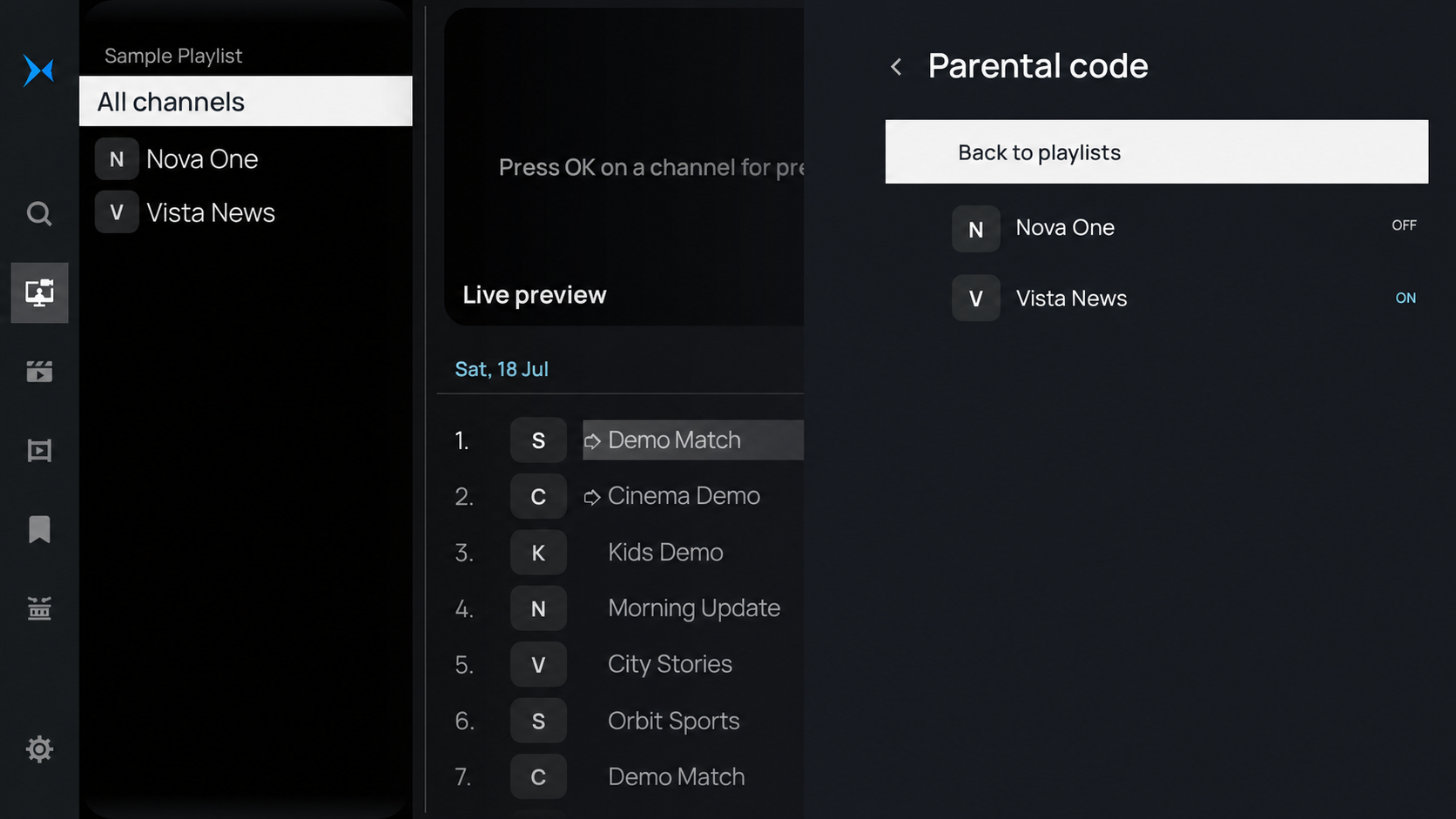
Open any screen to see the interface in detail.
Everything in one place
A serious player, without the clutter.
Designed around fast navigation, clear focus and the things that matter when you watch from the sofa.
Live TV & EPG
Categories, channel preview, program guide and a clean fullscreen information badge.
Movies & series
Cinematic backgrounds, poster navigation, resume playback, audio and subtitle tracks.
Multiview
Watch two live channels on the same screen and jump into fullscreen when needed.
Recordings & reminders
Local recordings and EPG reminders on compatible streams and devices.
Parental control
Protect Live TV categories with a PIN and manage each playlist separately.
Made to feel yours
Visual modes, rail colors, poster density and configurable fullscreen badge.
Bring your own source
Add the format provided by your service. tivuNex TV organizes the available Live TV, movies and series for faster navigation.
Android TV & Fire TV
Remote-friendly navigation, fullscreen playback and layouts made for Full HD and 4K.
Your account, from your phone
Meet tivuNex Connect.
Create and manage your Premium account on your phone, then sign in on the TV with the same credentials. One subscription supports up to 5 devices.
Create your account
Open tivuNex Connect on your phone and choose a Premium plan.
Sign in on TV
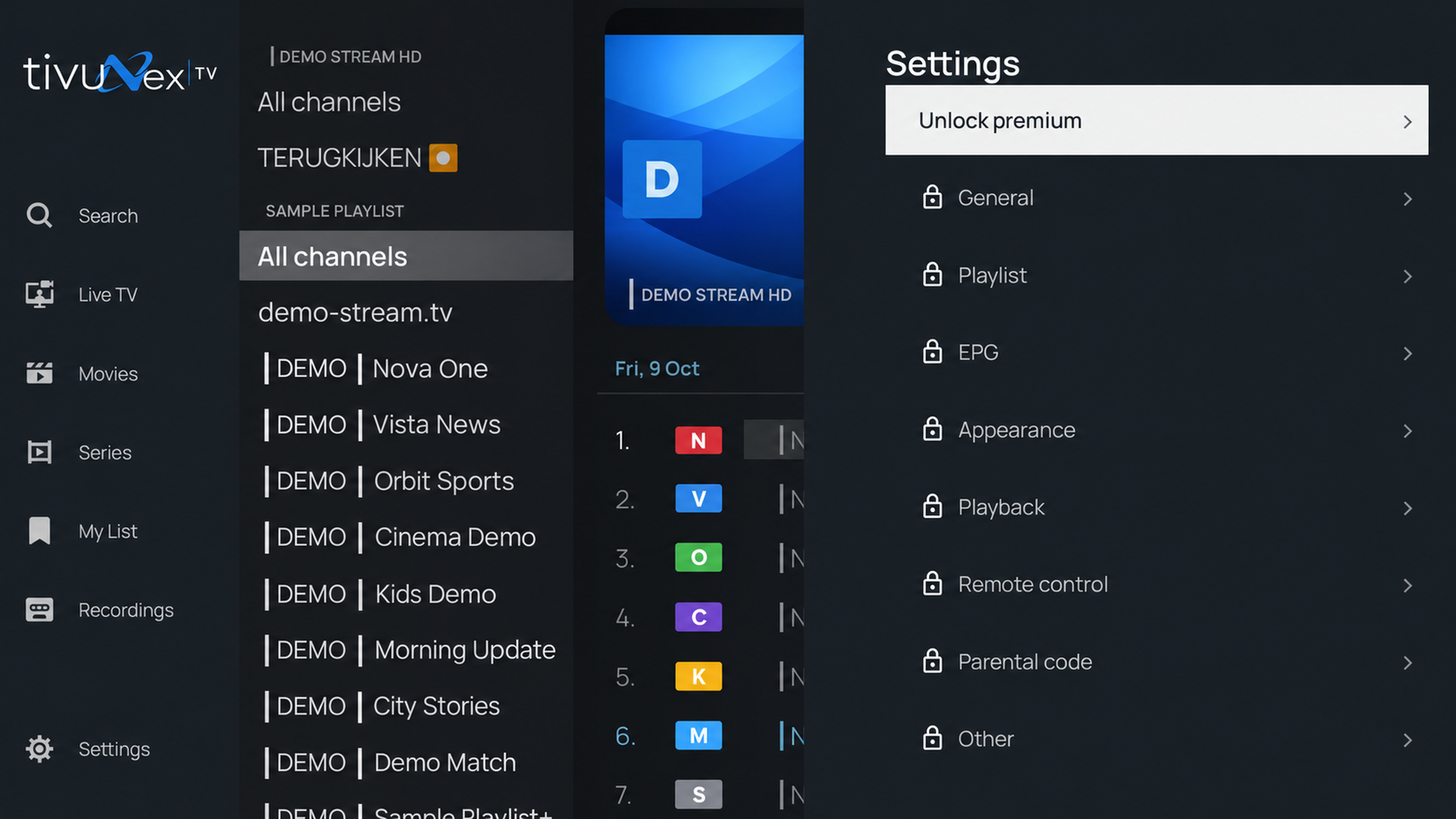
Open Settings, choose Unlock Premium, then Account and use the same credentials.
Enjoy Premium
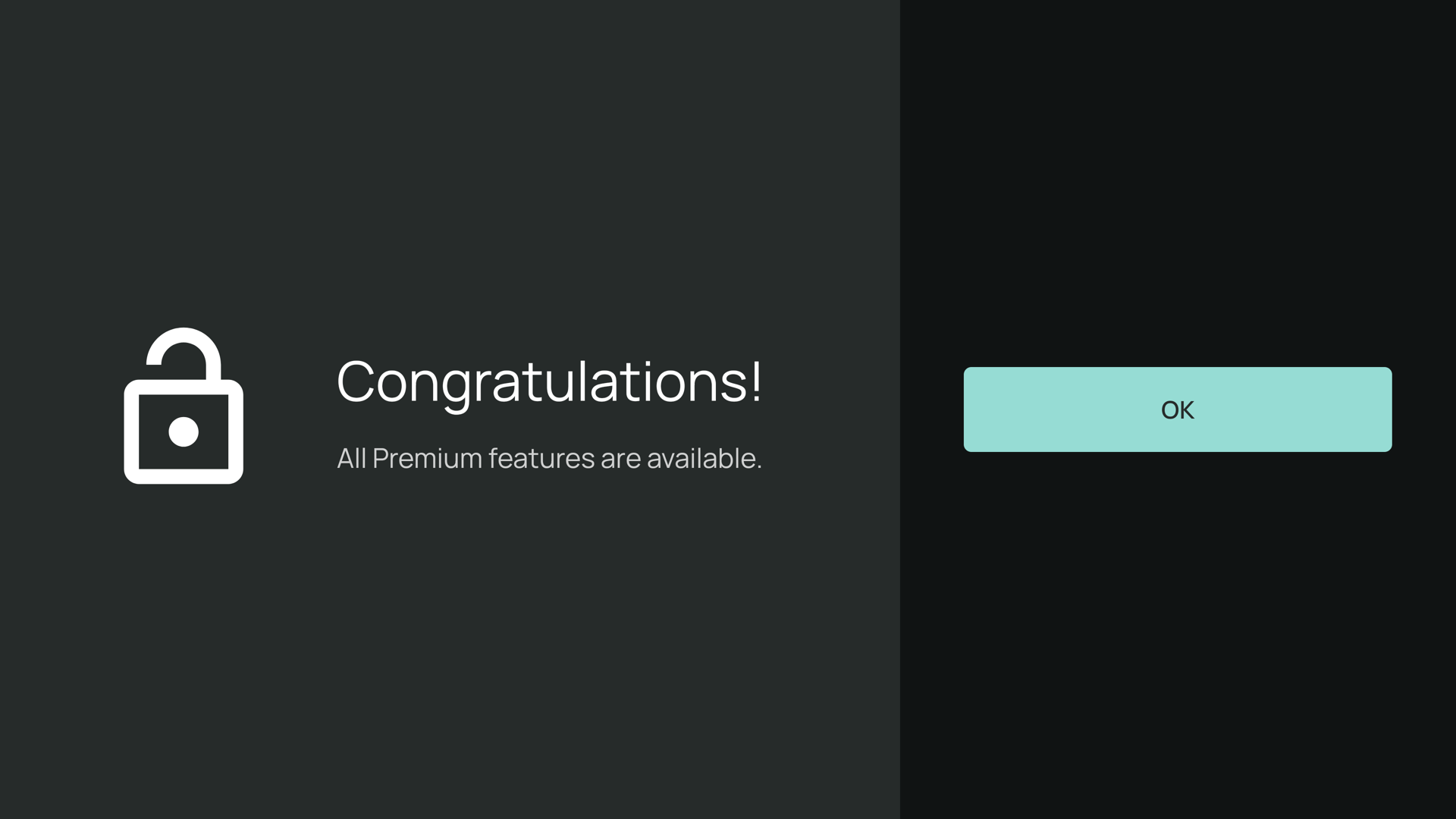
Once the account is confirmed, Premium features unlock on the connected TV.
Up to 5 devices. Use one Premium subscription across your compatible screens.
Good to know
Frequently asked questions
No. tivuNex TV is a media player. You add your own compatible M3U, Xtream Codes or MAC Portal source.
Yes. The interface is designed for Android TV and Fire TV, and it can also be used on phones and tablets.
It is the phone companion for creating your account, managing Premium and connecting up to 5 compatible devices.
Yes, when the new APK uses the same signing certificate. Installing over the current version keeps local application data.
Ready when you are
Put tivuNex TV on your screen.
Install from Google Play, use the Downloader code, or get the latest Fire TV APK directly.
Google Play
Install tivuNex TV from the official Google Play page.
Downloader Code
1953414
Download APK
Get the latest tivuNex TV Player Fire release directly.
Download APKRead the Fire TV installation guide
Find the user manual here. Read the manual